
Defend Your Garden from Zombies
Overview
Plants vs. Zombies is a strategy game that transforms gardening into a high-stakes battle against undead invaders. Players take on the role of a homeowner defending their property by strategically planting a variety of unique plants.
The game blends tower-defense mechanics with lighthearted humor, creating a gameplay loop that is both engaging and accessible. It solves the common challenge of maintaining fun and replayability in casual strategy games by offering diverse plant types and creatively designed zombies, each with distinct behaviors and abilities. The game is ideal for casual gamers, families, and fans of light-hearted strategy titles.
While the developer, PopCap Games, is not explicitly detailed in the provided information, the game’s established reputation suggests a focus on polished, family-friendly experiences. Real-world usage scenarios include short play sessions during breaks, family game nights, or extended solo play through the Adventure mode. The game’s blend of strategy and comedy makes it suitable for both younger audiences and adult players seeking relaxed yet mentally stimulating entertainment.
Key Features & Capabilities
- Strategic Plant Deployment – Players choose from a wide range of plants, each with unique abilities such as producing sunlight, attacking zombies directly, or providing defensive barriers. This allows for diverse tactics depending on the level’s zombie composition.
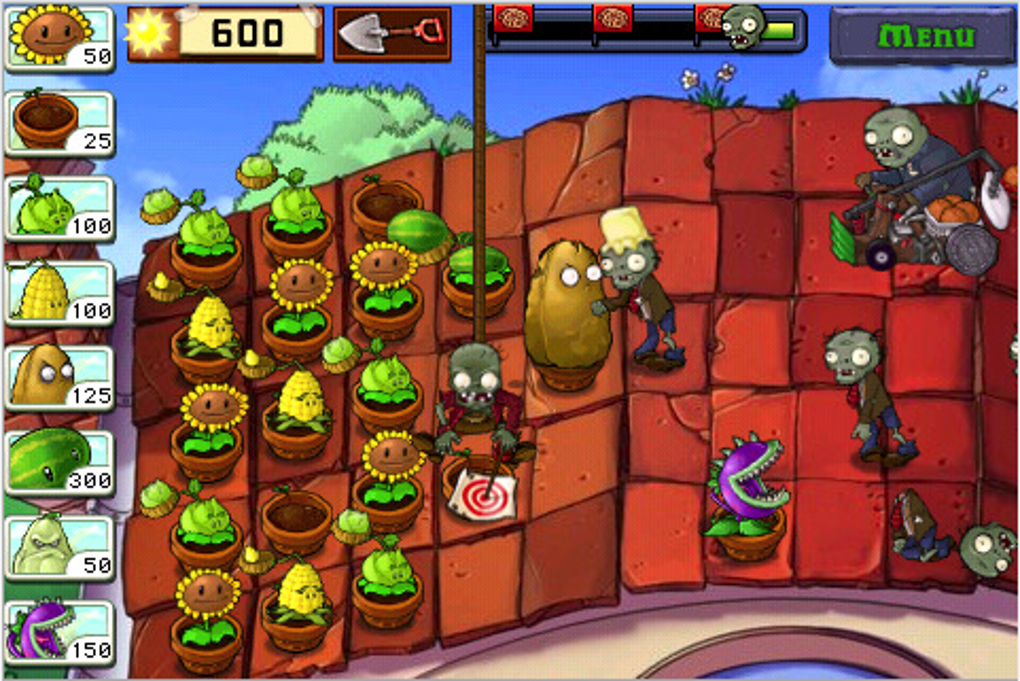
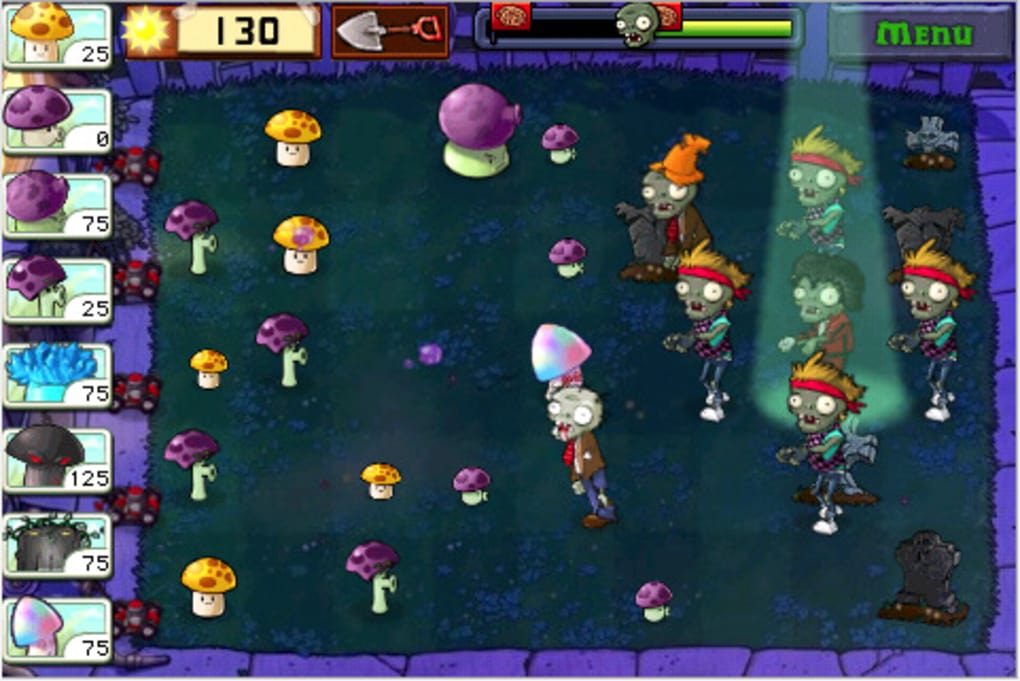
- Varied Zombie Types – Zombies are not generic enemies; they come with distinct styles and mechanics. For example, some wear buckets, others carry pole vaults or screen doors, each affecting how they interact with plants and attacks.
- Adventure Mode – A long-form campaign offering a structured progression of levels, challenges, and increasing difficulty. It provides hours of gameplay and a sense of achievement as players unlock new content.
- Quick Play Mode – Unlocked after completing Adventure mode, this mode allows players to jump into specific levels or challenges, ideal for short bursts of gameplay or testing new strategies.
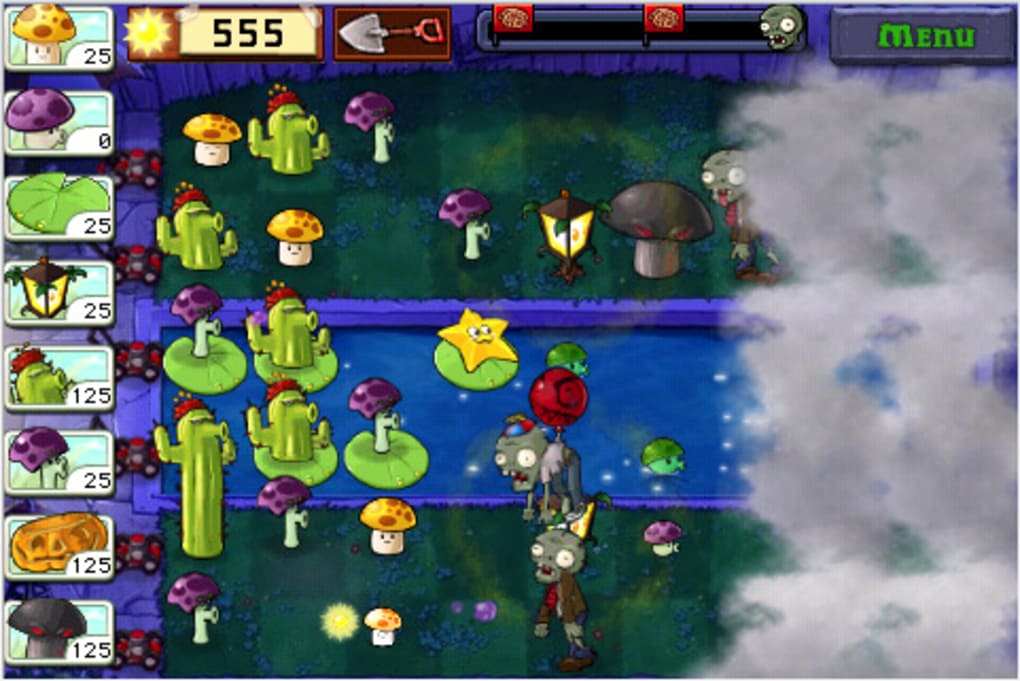
- Family-Friendly Visuals – The game features a cartoon-inspired art style with vibrant, expressive characters. Plants and zombies are designed with clear visual cues, enhancing gameplay clarity and appeal.
These features combine to create a dynamic experience where players must balance resource management, timing, and tactical planning. For instance, using sunflowers to generate sunlight while deploying defensive plants like wall-nuts can create a layered defense. The variety of zombies ensures that no two levels feel the same, encouraging players to adapt their strategies constantly.
User Interface, Workflow & Performance
The user interface is clean and intuitive, designed to support fast decision-making during gameplay. Key elements such as the plant selection bar, sun counter, and level progress tracker are clearly visible and accessible. Navigation between modes and menus is straightforward, minimizing friction for new players.
The workflow emphasizes simplicity: select a plant, place it on the lawn, and watch it activate. This streamlined process enhances accessibility while maintaining strategic depth. Performance details were not specified by the developer, but the game’s 100 MB size suggests efficient resource usage.
Based on general software behavior patterns, it is likely to run smoothly on most modern systems. Stability appears reliable, as the game has maintained its popularity over time. No reports of crashes or performance issues were provided, but users should expect standard behavior for a casual desktop strategy game.
Compatibility & System Requirements
Plants vs. Zombies is compatible with both Windows and Mac operating systems. The software version is 1.0, and the installation size is 100 MB.
The developer did not provide additional system requirements. Exact performance details were not specified. Compatibility information was partially provided, indicating that the game is designed for desktop environments.
Users should ensure their system meets general requirements for running casual games, though specific CPU, RAM, or GPU details were not listed. The game’s lightweight footprint suggests broad compatibility across various hardware configurations.
Pros and Cons
Pros
- Free to download and play, making it accessible to a wide audience.
- Engaging blend of strategy and humor suitable for all ages.
- Long Adventure mode with meaningful progression and replay value.
- Simple yet deep gameplay mechanics that are easy to learn but hard to master.
- Distinctive, cartoon-style visuals that stand out in the casual gaming space.
Cons
- Limited system requirements information may hinder users with older hardware.
- Once Adventure mode is completed, the core content may feel repetitive without additional updates.
- Offline mode is assumed, but no explicit details were provided on online features.
- May lack advanced customization options for experienced strategy players.
- Graphics, while charming, are not cutting-edge by modern standards.
FAQ Section
Is Plants vs. Zombies free to download?
Yes, the game is available at no cost. There are no hidden fees or in-app purchases required to access the core gameplay.
Can I play Plants vs. Zombies offline?
While the developer did not specify online requirements, the game’s design and structure suggest it can be played entirely offline.
What operating systems does it support?
Plants vs. Zombies is compatible with both Windows and Mac systems, making it accessible to a broad user base.
Are there regular updates to the game?
The current version is 1.0. No information was provided about future updates or content additions.
Is the game safe to download?
As a well-known title from PopCap Games, the game is considered secure. Users should download it from official or trusted sources to ensure safety.
Final Thoughts + CTA
Plants vs. Zombies stands out as a timeless casual strategy game that delivers consistent fun through clever design and charm. Its balance of accessibility and depth makes it ideal for players of all ages and experience levels.
The game’s blend of humor, variety, and replayability ensures it remains a top choice in the desktop gaming space. While it lacks modern graphical polish and advanced features, its core gameplay remains strong and engaging. For anyone seeking a lighthearted yet strategic experience, this game is a must-try.
Download Plants vs. Zombies now and defend your garden from the undead.







